
For restaurants and cafés already running iPads
The iPads run your store. They live in a pile by the printer.
The POS iPad, the spare, the manager's iPad — mounted, powered and at eye level where expo can actually see them mid-rush. Toast, Square, Clover and the delivery apps keep running exactly as they do now — IPORT makes the hardware, not the software.
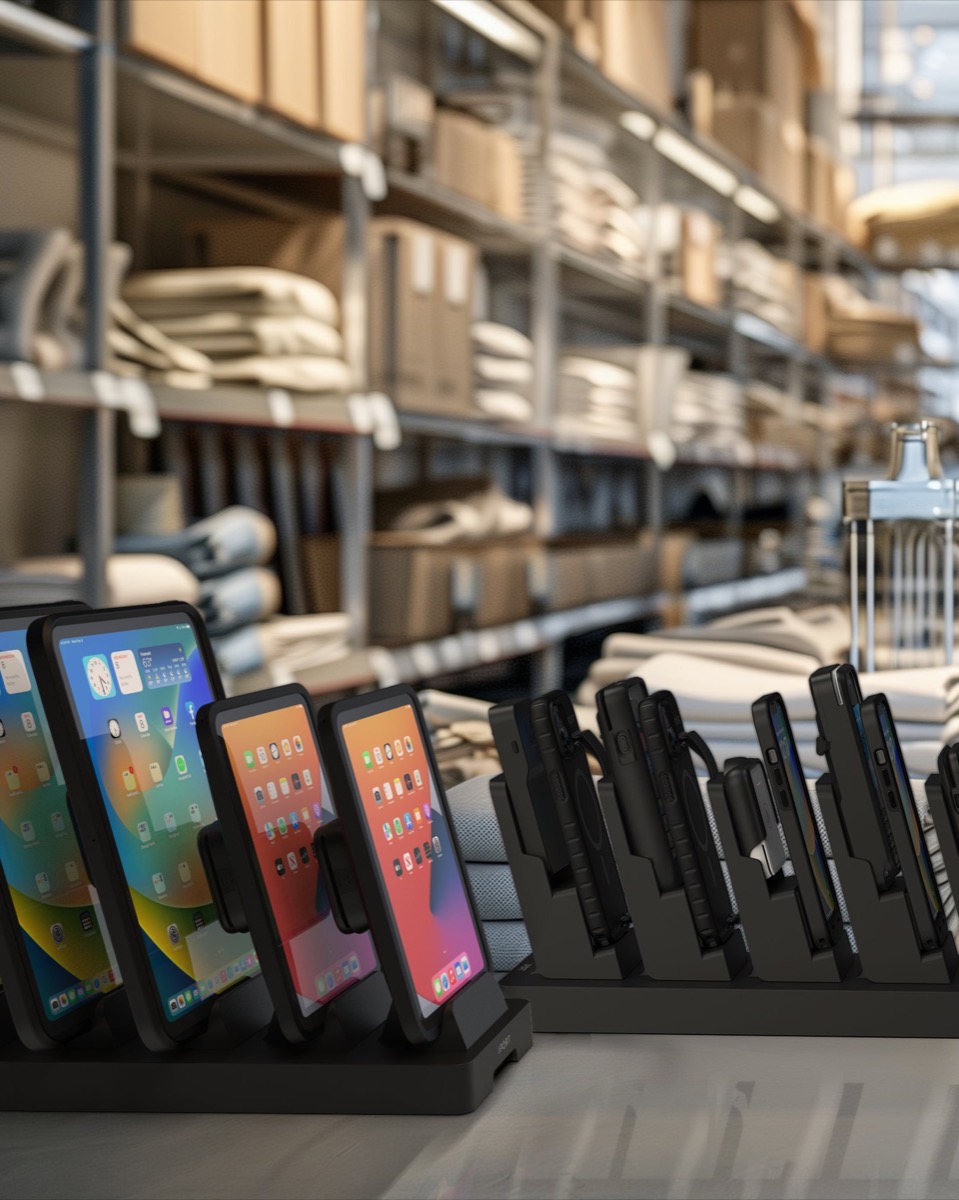
The everyday reality
Four ways an iPad fails in a busy store.
None of these are software problems, which is why no app has ever fixed them. They are all problems of power, protection and place.
It dies mid-rush.
Nobody owns plugging it in. Someone unplugs the counter iPad to charge a phone and forgets. It goes dark at seven on a Friday, orders stop landing, and you find out from a customer rather than from the screen.
Fixed by magnetic charging — set it down and it charges. No cable to remember.It falls off the shelf.
Three iPads stacked next to the printer, chargers snaking across a wet stainless shelf. They get knocked, they slide, they land on a tile floor — and everyone was carrying something else at the time.
Fixed by a case built for daily handling — withstands drops up to 2 meters and commercial cleaners.One already walked out the door.
A loose iPad on an open counter is the easiest thing in the building to pick up. And when it isn't taken it's still missing — the office, the walk-in, the back of a shelf — and you're the one replacing it.
Fixed by a secured dock or mount — one place it lives, and it stays there.Nobody can see it during service.
Flat on a counter behind the printer, an iPad is invisible at the exact moment it matters. Orders get missed in the middle of a rush and the chargeback lands later.
Fixed by mounting at eye level — angled where expo stands, one lead to the dock.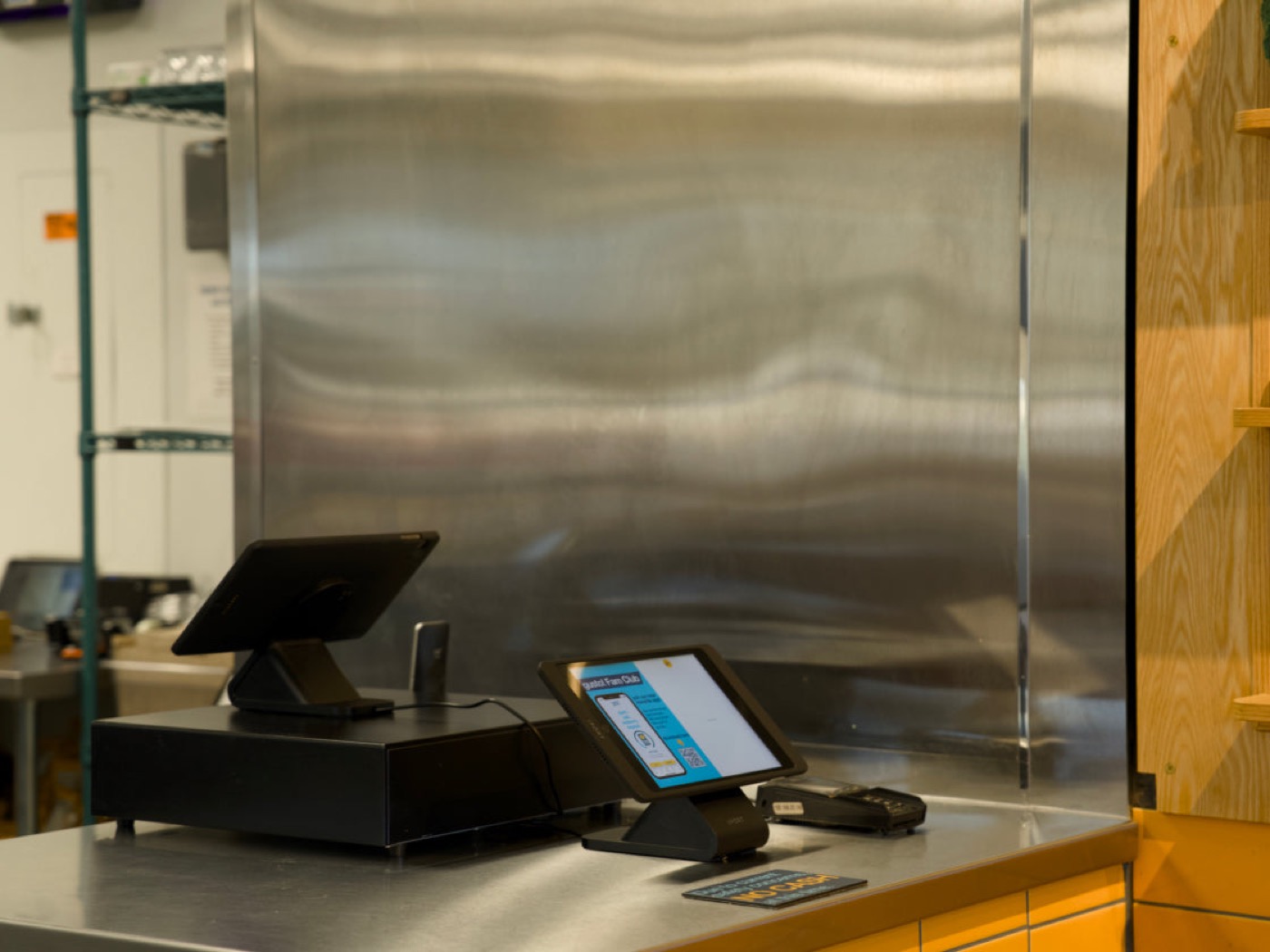
What changes
Same iPads. They just stop dying and disappearing.
The case adds the protection and the charging contact; the mount decides where it lives. Nothing about how your staff work changes — same apps, same taps. The difference is that putting it back is what charges it, and it is still there in the morning.
We make the hardware. You keep your software.
IPORT does not sell a POS, a delivery platform, or a scheduling app — and we are not asking you to switch anything or add another vendor login. You already chose your systems. Whatever is on those iPads today keeps running exactly as it does now.
What we make is the part nobody budgets for until it fails: the case, the charging and the mount. You buy it once. No subscription, no account, and nothing that stops working because you didn't renew it.
Start where you are
Pick the setup that matches how many iPads you're running.
Every configuration below works with any app on the device. Tell us how many you have and we'll confirm exact pricing and the right fit for your iPad models.
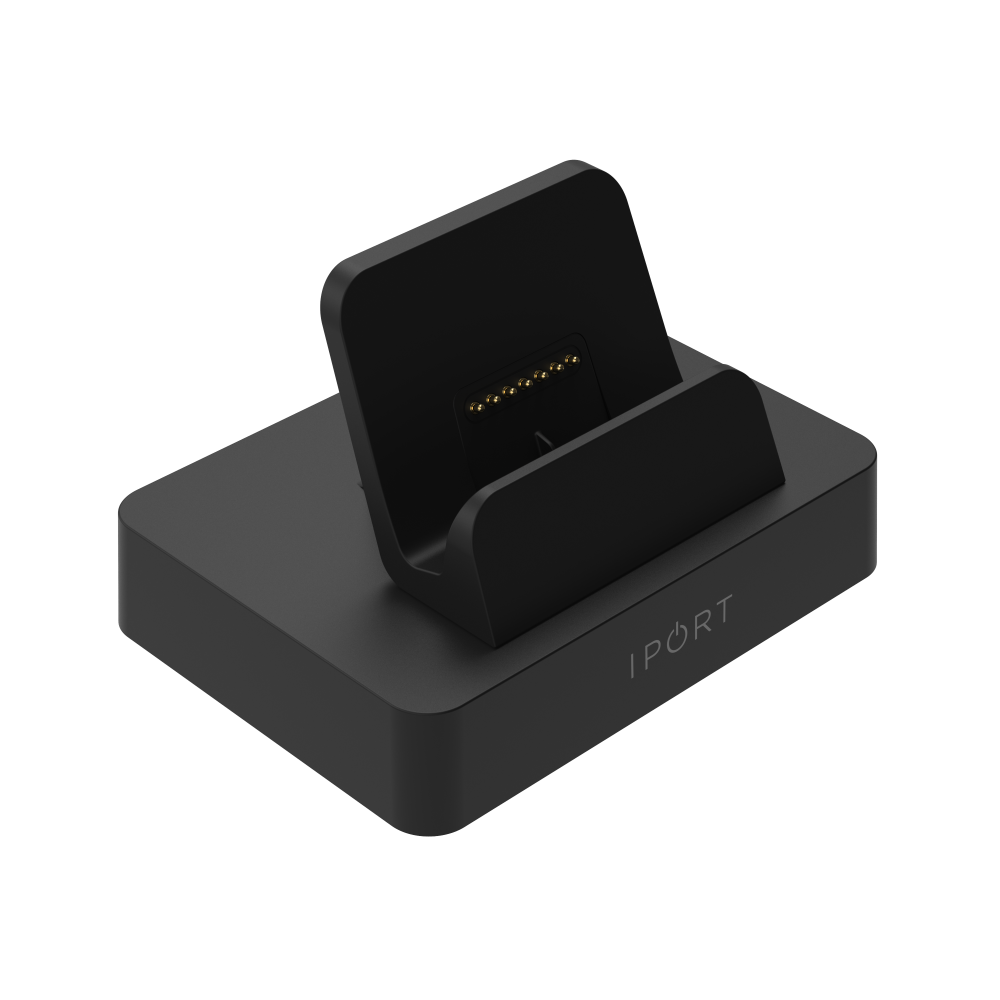
Case and dock
- Protective case for the iPad you own
- Magnetic dock — set it down, it charges
- Lifts to hand over, drops back to charge
From $300 per iPad · case $150 + dock $150
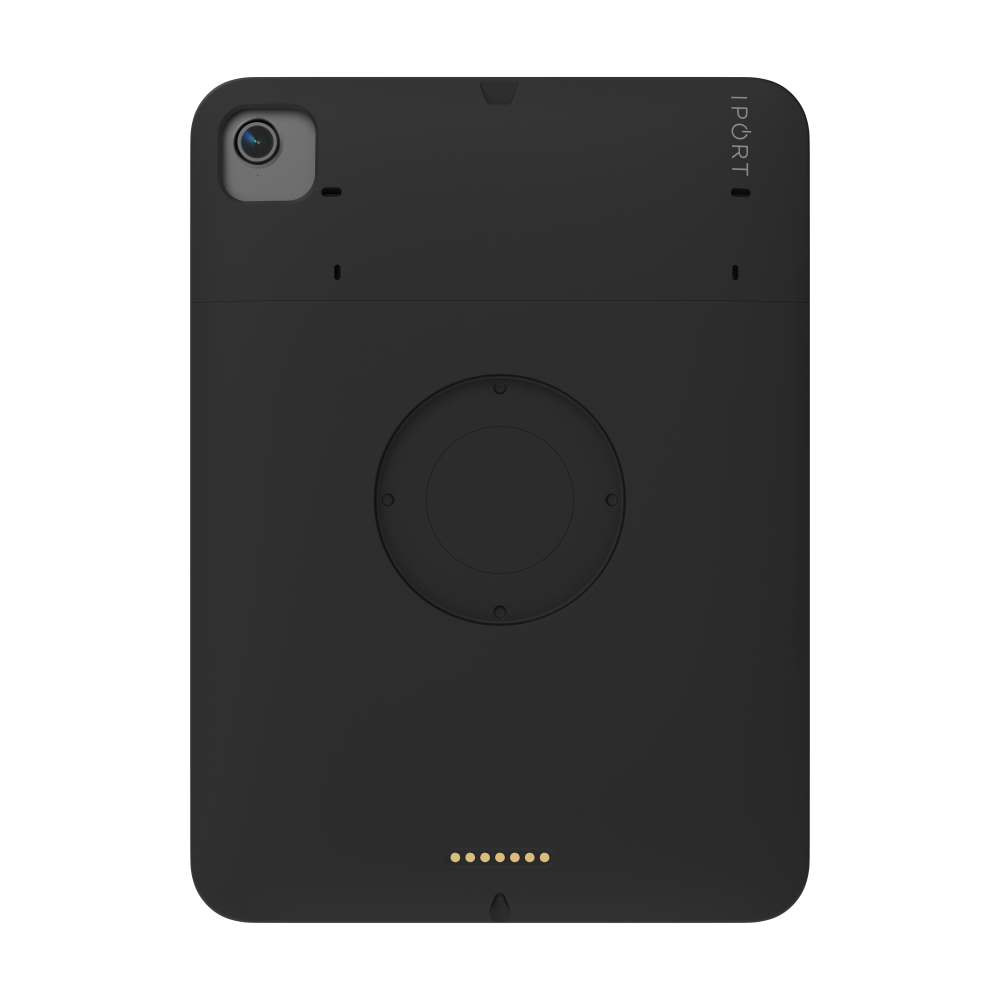
Cases, plus one charging point
- A case per iPad, matched to your models
- One shared charging station they return to
- Ends the "which one is charged?" question
Quoted to your device count
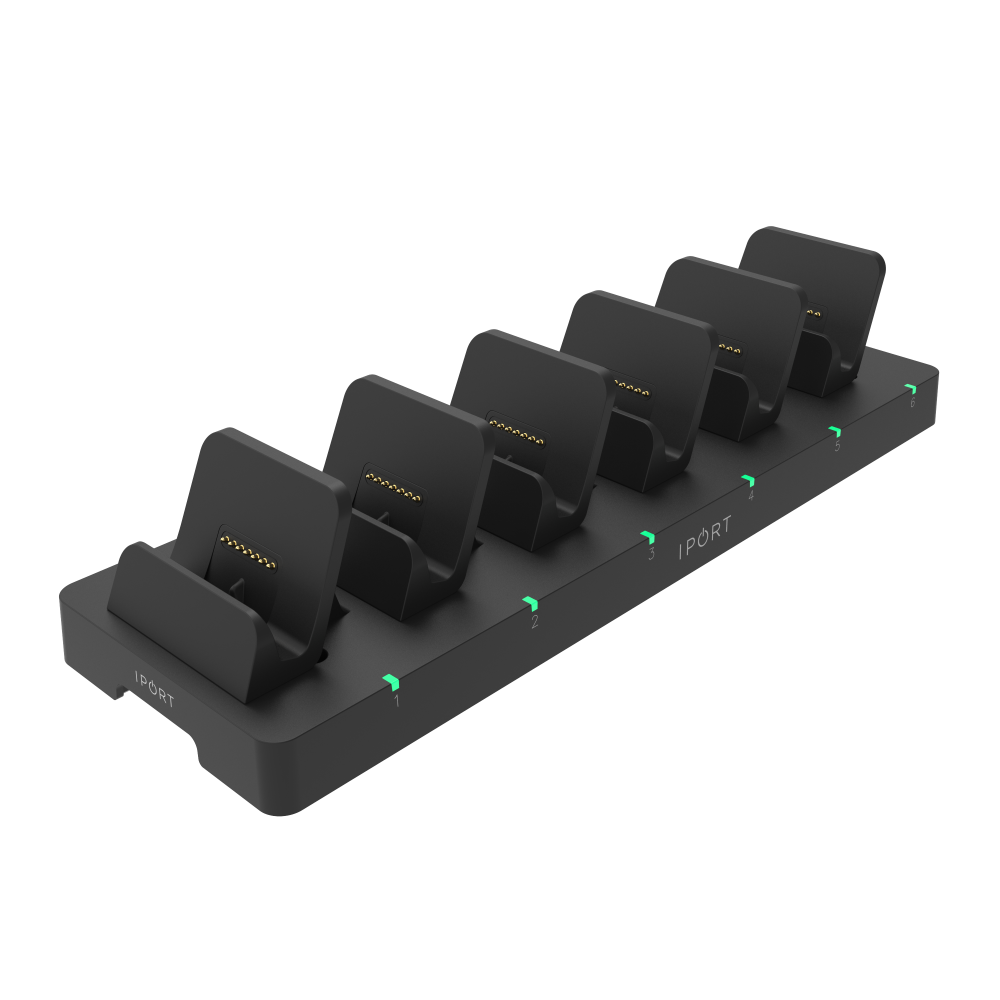
MultiDock
- Six iPads charging upright, side by side
- Numbered bays — everyone knows which is theirs
- One power lead for the whole bank
Quoted with cases for your fleet
Hardware only, and you buy it once — there is nothing recurring behind it. You already own the iPads, so there is nothing else to add.
Questions, answered.
Do I have to change the software we use?
Will it fit the iPads we already own?
Do we need anyone technical to install this?
How does the charging work without a cable?
Can it be cleaned down at the end of service?
What if we want it fixed to a wall or a counter?
Tell us what you're running. We'll send pricing.
- Itemised pricing for the hardware — no configurator to work through.
- We'll confirm the fit for your exact iPad models before you order.
- No obligation. Your details go to IPORT's retail and hospitality team and to BITCADET, who run this campaign for IPORT — nobody else.
What happens next
Send the form — it takes about a minute.
IPORT's team replies with pricing and a recommended setup for your device count.
You order what you need. There's nothing to install and nothing to migrate.
Prefer to talk it through? Call 949.226.5222.
Thanks — that's on its way to IPORT's team.
It comes from IPORT's team and arrives from an @iport.io address, so keep an eye out. In a hurry? Call 949.226.5222.